Building a Product Update Feed From SaaS Changelog Pages
Automate changelog monitoring with event-driven scraping and webhooks.
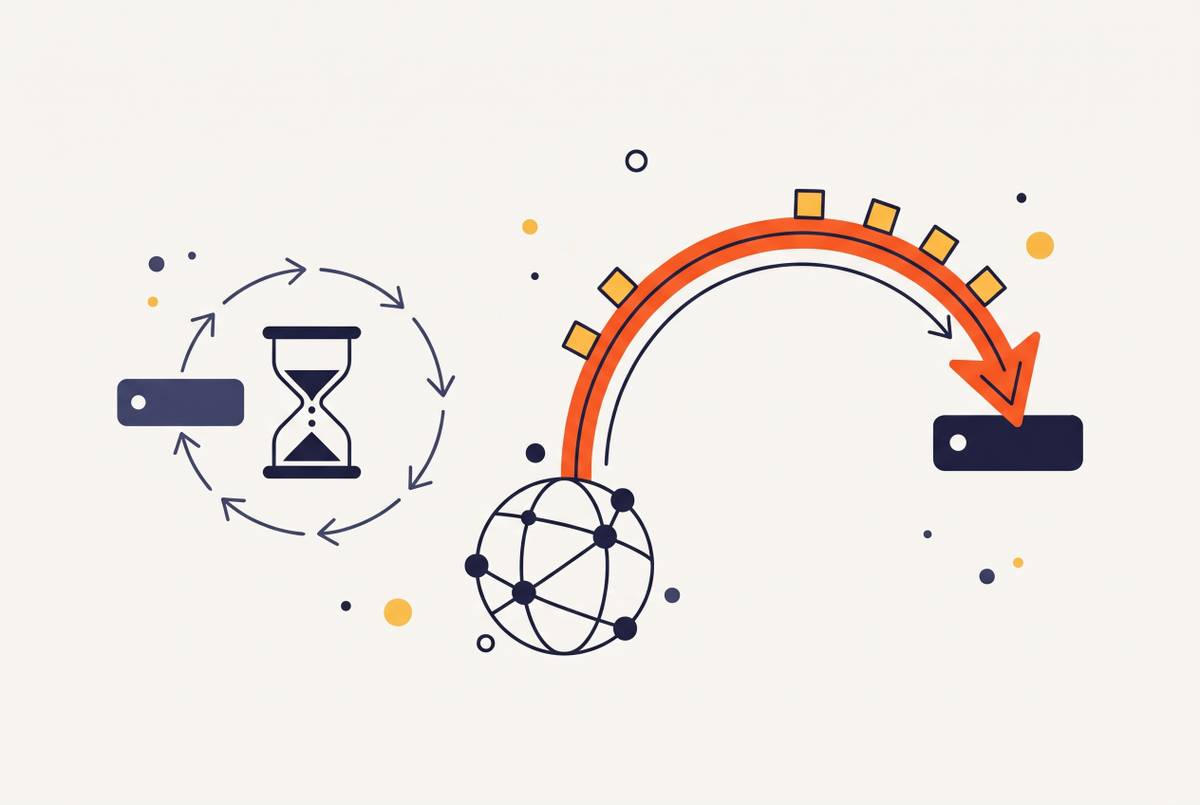
Building a product update feed from SaaS changelog pages is a web data pipeline problem. An event-driven web scraping API with webhook support fits this architecture when checks run on a schedule to find content changes, changed pages are normalized, and new entries trigger callbacks. With webhooks, downstream consumers no longer have to poll, but the monitoring layer still has to check the source pages.
Why SaaS changelogs are hard to consume as data
A mid-sized engineering team depends on dozens of SaaS tools, each with its own way of announcing changes. Checking every changelog by hand, even once a week, becomes another job squeezed between the jobs people were actually hired to do. Content might live at /changelog, /whats-new, docs.tool.com/changelog, a blog category page, or GitHub Releases. There is no standard address book for product updates.
The publishing formats are just as scattered. Hosted public feeds, in-app announcement widgets, release-note write-ups, and combined publishing platforms serve different purposes, so their page structures differ too. A scraper encounters those publishing choices alongside differences in tech stacks. RSS once offered a common aggregation route, but many SaaS products have abandoned it or publish incomplete, inconsistently updated feeds. Missing RSS and inconsistent URLs force a scraping-and-normalization approach.
What a changelog feed pipeline actually needs to do
The pipeline has three jobs: discovery, extraction, and monitoring. Each answers a different question about the source. Discovery finds the right page, extraction makes its contents usable, and monitoring decides when there is something new to send.
Discovery identifies and catalogues the actual changelog URL for each tool. The obvious path is only a starting guess. Extraction then converts the page into predictable fields, including an entry title, release date, category, and summary. An AI agent also needs stable identifiers that survive edits, typed categories for filtering, and summaries short enough for its context window.
Monitoring polls on a schedule, compares snapshots, and emits a webhook, message, or structured record when new content appears. It does not announce every successful fetch. If a hundred pages are monitored but only a few change during a week, only the changed pages need re-extraction and re-embedding.
Fetching static changelog pages reliably
Most changelog pages can be fetched with a plain HTTP request. A direct fetch() or requests.get() call is enough when the server returns the entries in the initial HTML. This is the inexpensive starting point. Infrastructure overhead is low, and there is no browser process to launch just to read a release note. The baseline still needs proper headers, rate limiting, and error handling.
Common failures include missing User-Agent headers, no retries for transient errors, and ignoring robots.txt. Those are fetch problems, so they belong ahead of parsing work. Before reaching for a headless browser, there is another useful check. Next.js and Nuxt pages can embed the first screen of data as JSON in the initial HTML, with page data appearing in structures such as __NEXT_DATA__, __NUXT_DATA__, or __APOLLO_STATE__. Parsing that embedded data can yield structured content from a single GET request.
For teams that want to avoid managing fetch infrastructure, a web scraping API can handle headers, proxy rotation, and error recovery. The caller gets the page content through a single API request, but still has to handle extraction.
Handling JavaScript-rendered changelog pages
Some pages really do return an empty application shell. Their changelog entries arrive only after JavaScript runs, so a successful HTTP response does not mean the content was collected. The request worked, but the cupboard is bare. Playwright or Puppeteer can execute the application and expose the rendered entries. But running them in production adds costs that can stay hidden in a small local script.
Each browser instance consumes substantial RAM, and concurrent instances compound that demand. Sites can also detect headless browsers through navigator properties, WebGL fingerprinting, and behavioral analysis. Stealth maintenance is therefore ongoing work. JavaScript rendering also uses more compute per page than a simple fetch. Managed scraping APIs usually charge a higher credit rate for rendering because it uses more compute.
A managed API takes care of browser orchestration, proxy rotation, and stealth maintenance when the caller asks it to run JavaScript. The build-versus-buy choice depends on workload and engineering time. At lower volumes, where maintaining browser infrastructure costs more than API use, managed rendering is usually cheaper overall. Predictable high-volume workloads can make self-managed infrastructure more cost-efficient. The useful comparison is total operating cost.
Extracting and normalizing changelog entries into a consistent schema
Raw HTML has to be turned into the finished feed. For pages with consistent entry containers, CSS selectors or XPath can target repeated titles, dates, bodies, and tags. Irregular or prose-heavy pages need a more flexible approach. Converting the content to Markdown and asking an LLM to populate a schema can handle formatting variation without per-site parsing rules. Taking out scripts, navigation, ads, and other noise also cuts token use and makes extraction more accurate.
The schema gives each extracted entry a durable identity. Its id comes from the URL slug or entry anchor and must stay the same when the body changes. The title is a string containing the entry heading, while published_at holds an ISO 8601 date. The category is a typed label such as breaking-change, deprecation, new-feature, security, or pricing. These fields turn a collection of announcements into records that code can compare and route.
A one-sentence summary fits an alert or an LLM context window, source_url records the canonical entry URL, and raw_body keeps the full Markdown for reprocessing or embedding. In the AI extraction path, fetching leads to Markdown conversion, schema-guided extraction, and typed JSON. Dates need attention during that extraction. Values such as “March 2026”, “2026-03-14”, and “14 days ago” arrive with different formats and precision, so date normalization is not merely tidying punctuation.
Crawling multi-page and paginated changelogs
Once entries share a schema, the crawler still has to find them all. Many changelogs keep their past entries on numbered pages or have an index that links to each release post. A single fetch can therefore collect only the front window. For index-based sites, traversal starts with the index, extracts entry links, and then fetches each linked page for its full content. This separates finding entries from reading them.
Numbered pagination can use paths such as /changelog?page=2 or /changelog/2, with crawling continuing until a page returns no new entries. “Load more” buttons often fire an XHR request. Inspecting network traffic can reveal the underlying API endpoint, which the crawler can call directly. Infinite scroll similarly needs either headless rendering or access to its backing endpoint. A button on the page is not necessarily a reason to hire an entire browser.
The full historical crawl is needed only once for monitoring. Subsequent runs look for entries since the last known published_at and can stop when they reach already-seen IDs. That makes stored identity useful for traversal as well as deduplication. Crawl depth and rate still need limits. Changelog pages may be lightweight, but sending requests over and over too quickly is still a good way to get blocked.
How do you detect webpage changes and get notified via webhook?
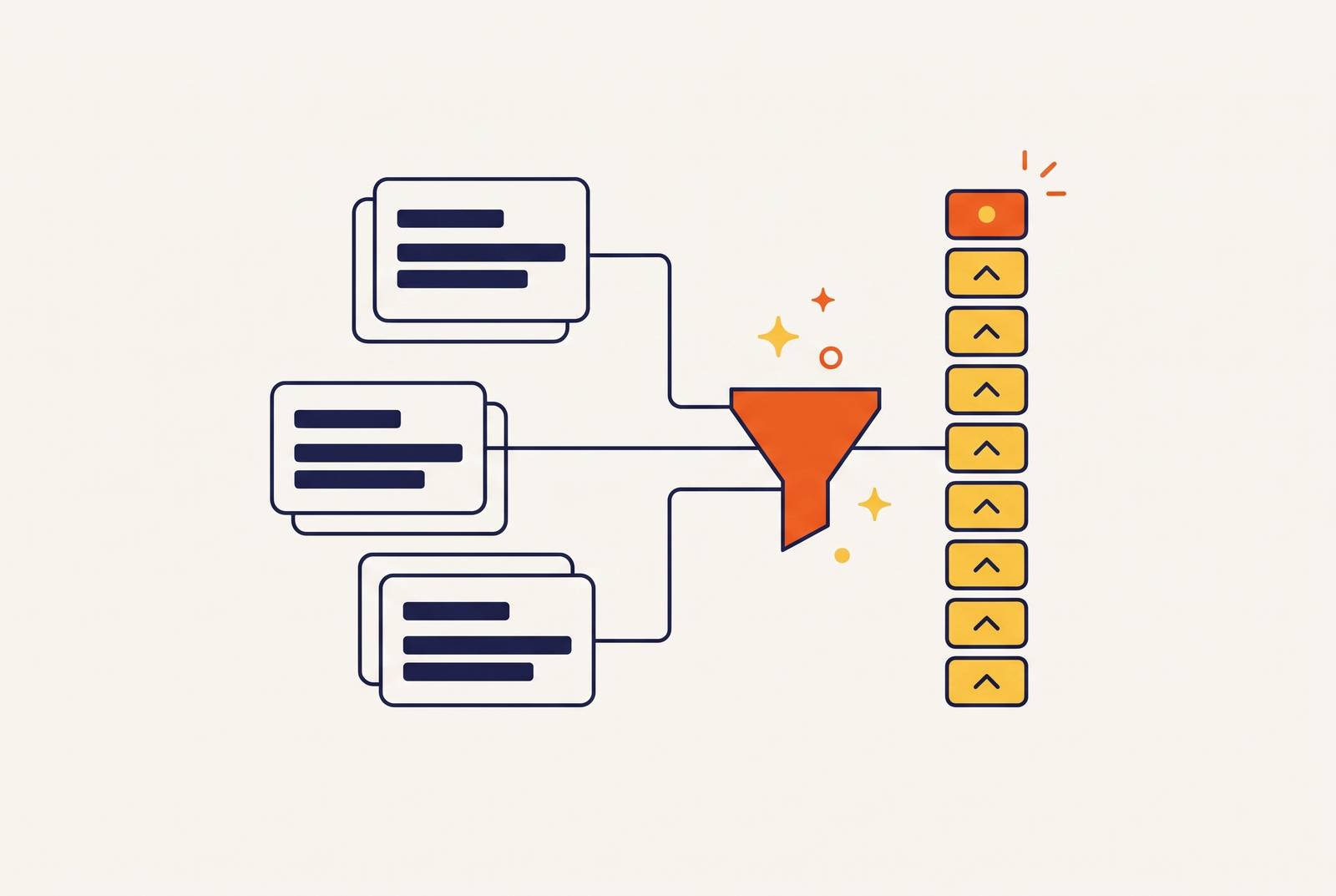
A one-time crawl produces an archive. To make it operational, a scheduler polls each target at a configured interval and compares the fetched content with its previous snapshot. Only changed pages proceed to extraction. When extraction identifies a new entry, the system sends its normalized payload through a webhook or writes it to the output destination.
The comparison must be content-aware. Timestamps, session tokens, and navigation elements can change even when no release has been published. A raw HTML diff would treat that housekeeping as news. After extraction, comparing the newly found entry IDs with the known set gives a more reliable test for new entries. Stable IDs also prevent an edited body from masquerading as a newly published post.
The webhook payload can write records to a database or knowledge base, trigger a Slack or Teams alert, or queue changed documents for RAG re-embedding. It can also update an internal wiki or competitive battlecard, or trigger an AI agent workflow through MCP. Cadence depends on how quickly a missed update could become a production problem. Checks once a day work for most tools and infrastructure dependencies, once a week can work for business applications, and critical payment APIs or cloud dependencies may need checks more often.
For API selection, change detection and job completion are distinct criteria. A callback saying scraped data is ready does not, by itself, establish that the source changed. The architecture needs to support checks on a schedule, content-aware comparison, JavaScript rendering where needed, and webhooks that send normalized results. The monitor still checks pages.
Filtering signal from noise in a multi-vendor changelog feed
Continuous collection can create a new reading burden faster than it removes the old one. A feed that covers many vendors will mix breaking changes with news of new features and small fixes. The typed category field first decides where an entry goes, while a severity filter decides how much attention it needs. Without those distinctions, automation merely delivers the haystack faster.
A breaking-change or deprecation entry can route to an immediate alert, while new-feature entries go into a daily digest. A minor-fix entry can stay in the database until someone queries it. For this workflow to work, entries from all vendors need to have that type. Otherwise, each consumer has to interpret the announcement again.
An AI judge can add relevance scoring after extraction. Given a goal such as flagging changes affecting a Stripe integration or a data export pipeline, it scores entries before routing them. Changes to how a page looks, such as copyright-year updates or rotated testimonials, get low scores and are filtered out. Product marketing teams can use the same mechanism to receive summaries of competitor updates relevant to their product area. With a web scraping MCP server connected to an assistant, an agent workflow can re-scrape on a schedule, compare snapshots, and apply that stated monitoring goal during triage.
Delivering the unified feed as a structured output your code or agents can consume
A JSON feed provides a chronological array of normalized entries, queryable by date range, category, or source vendor. Markdown per entry supplies cleaned content for an LLM or a RAG knowledge base. Webhook events push the full normalized payload when a new entry is detected. An RSS feed can also be rebuilt from those records for tools that already consume it.
These outputs serve different consumers without repeating extraction. An alert uses the short summary, while an embedding job uses the cleaned body. For RAG, only a new or changed entry needs embedding and an index update, leaving the rest of the corpus untouched. The pipeline does not need to reread the library because one book gained a page.
Agent-facing access through MCP makes the feed a queryable tool. An agent can request changelog entries for a vendor since a given date, filtered to breaking changes, because the schema already expresses those constraints. The new llms.txt convention can help earlier in the process through a Markdown index at /llms.txt that points retrieval agents to key content on the site. Adoption is mixed, so discovery must still work without it. At the output end, the test is simpler and stricter. Code or agents should be able to act on an entry without scraping or interpreting the source page again.